Video content is king. There is no debating it. From TikTok trends to YouTube deep dives, video dominates how we consume information and entertainment. But for creators, podcasters, and businesses, the challenge isn’t just creating long-form content; it’s getting people to actually watch it.
This is where the magic of short-form clips comes in. You’ve likely seen them scrolling through your feed: punchy, subtitled segments from longer podcasts or webinars that hook you instantly. They are bite-sized, shareable, and incredibly effective at driving traffic back to the original source.
However, editing these clips manually can be a nightmare. It requires time, technical skill, and a lot of patience—resources that many creators simply don’t have to spare. That is why automated tools like Breakout Clips are changing the game.
In this post, we will explore what Breakout Clips is, why it is becoming an essential tool for modern content creators, and how you can use it to skyrocket your engagement.
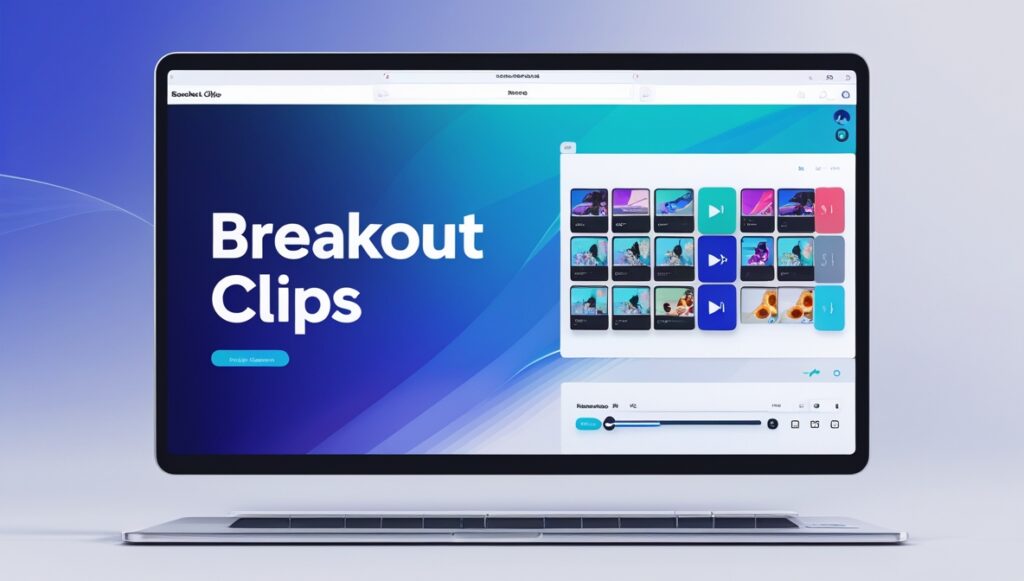
Breakout Clips is a specialized software tool designed to repurpose long-form video and audio content into engaging, social-media-ready highlights. Think of it as your personal video editor that works around the clock.
Instead of spending hours scrubbing through timelines in complex editing software like Adobe Premiere or Final Cut Pro, Breakout Clips streamlines the process. It allows you to upload your long files—be it a Zoom recording, a podcast episode, or a YouTube video—and quickly extract the most compelling moments.
The platform is built with non-editors in mind. It typically features drag-and-drop interfaces, automated transcription, and pre-set templates that ensure your branding remains consistent across every clip you post.
Why Short-Form Content Wins
To understand the value of Breakout Clips, you first need to understand the landscape of social media algorithms. Platforms like Instagram Reels, TikTok, and YouTube Shorts prioritize high-retention, vertical video content.
The Attention Economy
The average human attention span is shrinking. You have roughly three seconds to grab a viewer’s attention before they scroll past. Long-form content, while valuable for depth, often fails this “hook” test on social feeds. Short clips bridge this gap by delivering immediate value or entertainment.
Repurposing is Efficient
Creating content from scratch every day is a recipe for burnout. Smart creators operate on a “create once, distribute everywhere” model. A single hour-long podcast can yield ten to fifteen distinctive clips. This means one recording session can fuel your social media calendar for weeks. Breakout Clips is the engine that makes this strategy feasible.
Key Features That Save You Time
While there are many video editing tools on the market, Breakout Clips distinguishes itself with features specifically tailored for repurposing content.
Automated Captions
Most people watch social media videos with the sound off. If your clips don’t have captions, you are losing a massive chunk of your audience. Breakout Clips often includes auto-captioning features that transcribe your audio and overlay text onto your video. You can usually customize the font, color, and animation style to match your brand identity.
Custom Branding Templates
Consistency builds recognition. Breakout Clips allows you to save templates with your logo, brand colors, and preferred layouts. This ensures that every clip you share is instantly recognizable as yours, building brand equity with every view.
Progress Bars and Waveforms
Visual elements like progress bars and audio waveforms do more than just look cool; they signal to the viewer that the video is moving and active. A progress bar also gives the viewer a subconscious “finish line,” encouraging them to watch until the end. These features are often difficult to add in standard editors but are just a click away in Breakout Clips.
How to Integrate Breakout Clips into Your Workflow
Adopting a new tool can sometimes feel daunting, but integrating Breakout Clips is straightforward. Here is a simple workflow to get you started.
1. Identify Your Source Material
Start with your high-quality long-form content. This could be a recent interview, a webinar explaining your product, or a vlog. Ensure the audio is clear and the video resolution is high.
2. Find the “Gold”
Watch or listen to your content and note down the timestamps of the most impactful moments. Look for:
Controversial opinions
Funny anecdotes
Specific, actionable advice
Emotional moments
3. Edit and Polish
Upload your file to Breakout Clips and trim it down to your selected timestamps. Add your captions, throw in a progress bar, and ensure your branding is visible. Keep the clip under 60 seconds for maximum compatibility across platforms.
4. Schedule and Analyze
Once your clips are exported, use a scheduling tool to drip-feed them onto your social channels. Pay attention to which clips perform best. Does your audience prefer humor or educational tips? Use this data to refine your future content.
Turn Views into Subscribers Today
The digital landscape is noisy. To stand out, you don’t necessarily need to work harder; you need to work smarter. Breakout Clips offers a powerful solution to the problem of content fatigue, allowing you to maximize the value of every minute you record.
By turning your long-form videos into a library of engaging, bite-sized assets, you aren’t just filling a content calendar—you are creating multiple entry points for new fans to discover your work. Stop letting your best content gather dust in an archive. Break it out, clip it up, and watch your engagement grow.
My name is Janet Jackson Seo and I work as a SEO Expert. I appreciate the process of developing an innovative approach and employing logic, particularly when it concerns future studies and SEO optimization. As an SEO expert I have known how to set up SEO campaigns fully and how to monitor their achievements.